Audio Description Without the Studio Bottleneck: MediaCAT Writes, Times, and Voices AD From a Single Upload
Every scene should reach every viewer
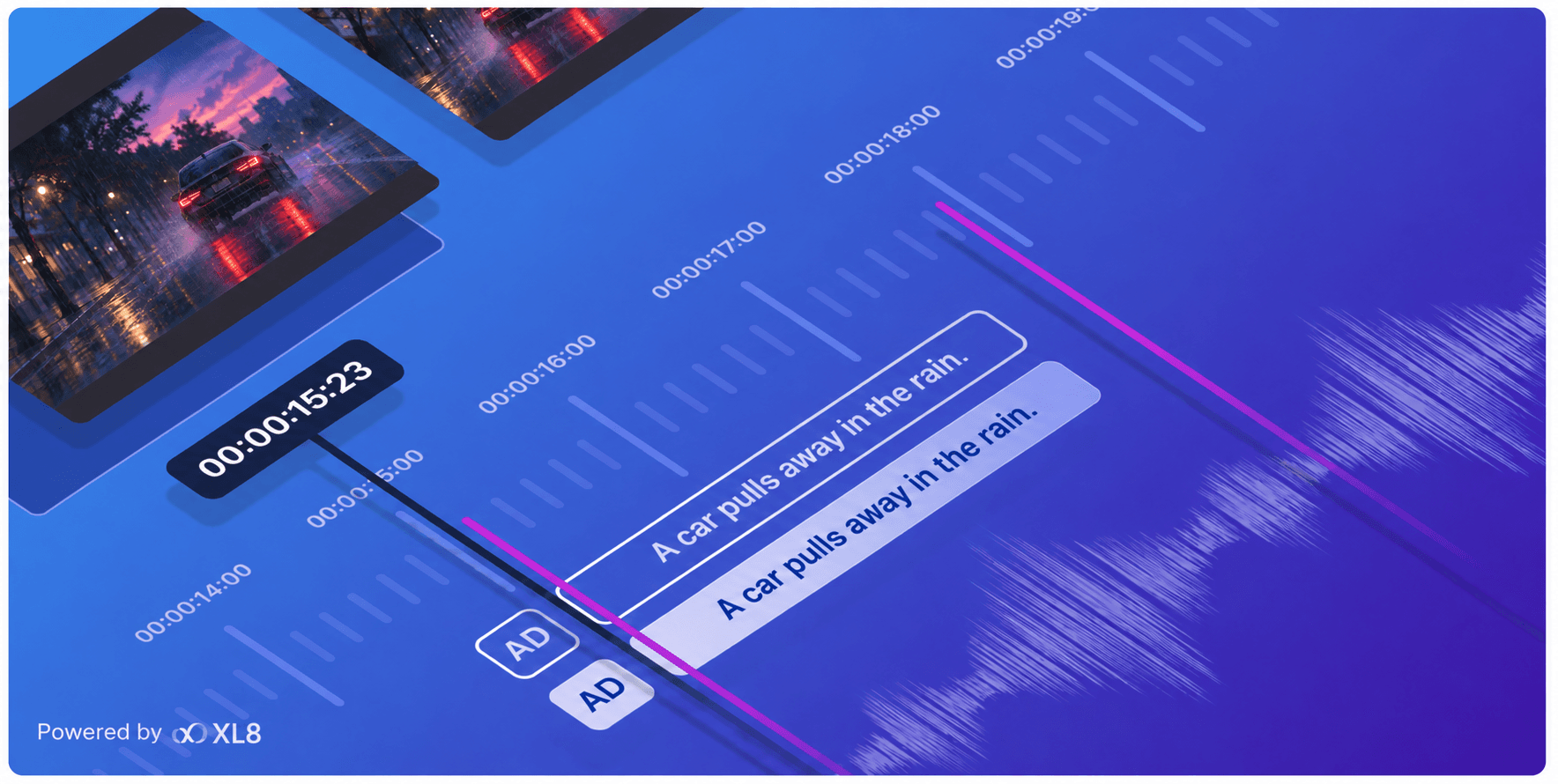
A look between two characters. A letter left on the table. A car pulling away in the rain. For viewers who are blind or have low vision, moments like these often carry the story, but nobody says them out loud. Audio description (AD) fills that gap by narrating key visual details in the pauses between dialogue.
Demand for AD keeps growing. In the US, FCC rules require local ABC, CBS, Fox and NBC affiliates in the top 120 TV markets to provide 87.5 hours of audio-described programming every quarter. Ten more markets are added each year until every market in the country is covered in 2035. The catch is that traditional AD takes time. A describer writes the script, an editor times it, and a voice artist records it in a studio. Across a large catalog, that can stretch into months.
See and hear it in action
The clip below was described and voiced entirely by MediaCAT. Turn the sound on and listen for how each description lands in the gaps between lines.
Audio description generated by MediaCAT AI - Zero manual edits.
How it works
Here’s what happened behind that clip. Upload a video, and MediaCAT runs the whole process:
Scene analysis. MediaCAT looks at the picture and the existing dialogue to pick out characters, actions, locations, on-screen text and scene changes.
Script writing. It writes short, objective descriptions and focuses on what a viewer needs to follow the plot.
Timing. Each description is placed in a pause in the dialogue, so it doesn’t run over the actors’ lines.
Narration. AI voices read the script, and the narration is mixed with the original audio, ready to export.
Features
Edit in an editor built for AD. MediaCAT includes an editor designed specifically for audio description, so your team can see each description alongside the video and the dialogue gaps, then adjust wording or timing in a few clicks whenever a title calls for it.
Pick a voice. Choose from different AI voices, adjust the reading speed, and set how much the original audio lowers while the narration plays.
Work in multiple languages. Write descriptions once, translate the script into more than 50 languages, and generate narration in each.
Export in the format you need. Mixed audio track, AD-only stem, WAV, script files in SRT, etc.
Ready to deliver, with room to review
MediaCAT returns a finished AD track: descriptions written, placed between lines of dialogue, and voiced, ready to export as is. If a title needs a closer look, whether for a platform style guide, a sensitive scene or a client’s preferences, your team can open the script in the editor, change a line, and regenerate the narration in seconds.
Try it on your own content
The demo above shows what MediaCAT does with our footage. The real test is your own. Tell us a little about your content, and we’ll set up a free sample on a clip of your choice.